nf-core Provider
CBIcall can launch registered nf-core pipelines through Nextflow. CBIcall validates the YAML contract, pins the registered nf-core release, writes the Nextflow params/config files, and records the run metadata. The nf-core pipeline keeps its own upstream output layout and runtime behavior.
In CBIcall terms, nf-core is a workflow provider and Nextflow is the
workflow backend. CBIcall currently provides ready-to-run entries for
nf-core/demo and nf-core/sarek. These remain external workflows: nf-core
maintains their code, dependencies, and output layout, while CBIcall validates
the launch configuration and records the run audit.
nf-core run directories are created where cbicall run is launched,
for example cbicall_nextflow_nf-core_sarek_cohort_GATK.GRCh38_<run-id>/.
This differs from bundled cbicall-core WES/WGS/mtDNA workflows, whose run directories
are created under the discovered sample/input directory.
Profiles and Container Runtimes
CBIcall passes nfcore_profile to nf-core as the Nextflow -profile value.
Profiles are comma-separated and combined by Nextflow; each profile adds a
different part of the runtime configuration.
| Profile | What it does |
|---|---|
test | Uses the nf-core pipeline's built-in test data and smoke-test settings. It is not a software runtime. |
docker | Runs tasks with Docker. Images are pulled into the local Docker image store. |
singularity | Runs tasks with Singularity/Apptainer. Images are pulled into the Nextflow/Singularity cache. |
conda | Builds Conda environments when the workflow supports it. Useful in some setups, but not the recommended CBIcall HPC path. |
For smoke tests, combine test with a runtime profile, for example
test,docker on a Docker workstation or test,singularity on HPC. If
nfcore_parameters.input is set, that explicit input overrides the test input
provided by the nf-core test profile.
For Singularity/Apptainer, image placement is controlled by the environment
variables NXF_SINGULARITY_CACHEDIR and NXF_SINGULARITY_LIBRARYDIR, or by
CBIcall's nfcore_singularity_cache_dir setting.
How CBIcall Complements nf-core
CBIcall is not a replacement for nf-core. nf-core provides community-maintained pipelines run by Nextflow; CBIcall adds a project-level execution contract around selected registered provider entries.
| Aspect | nf-core / Nextflow | CBIcall |
|---|---|---|
| Main role | Community pipeline ecosystem | Project-level execution contract |
| Validation | Parameter and samplesheet schemas | Pipeline/mode/genome/backend/resource compatibility |
| Configuration | Samplesheets, params, profiles, configs | User YAML plus controlled registries |
| Outputs | Pipeline-native layout | Deterministic run directory and output inventory |
| Provenance | Nextflow reports and logs | log.json, run-report.json, fingerprints, VCF hashes |
| Offline/HPC use | Requires staged code, containers, references, and caches | Records the resolved runtime/resource contract |
Demo Smoke Test
Use nf-core/demo as a lightweight nf-core provider
smoke test through the Nextflow backend. The checked-in
examples/input/nf-core-demo.yaml uses test,singularity because that is the
practical profile on HPC systems where Docker is not available.
For an HPC or Apptainer/Singularity test:
mode:             single
pipeline:         demo
workflow_backend:  nextflow
workflow_provider: nf-core
resource:         nf-core-demo-managed-resources-v1
nfcore_profile: test,singularity
Run it from the directory containing nf-core-demo.yaml:
cbicall validate-parameters -p nf-core-demo.yaml --no-color
cbicall run -p nf-core-demo.yaml -t 4 --no-color
Runtime profile, cache, and CPU notes
| Topic | Recommendation |
|---|---|
| Workstation Docker | nfcore_profile: test,docker is possible on x86_64 hosts with Docker installed. |
| HPC containers | Prefer test,singularity; Docker is usually unavailable inside cluster jobs. |
| Singularity cache | Set NXF_SINGULARITY_CACHEDIR in the shell or nfcore_singularity_cache_dir in YAML for repeated runs. |
| nf-core/demo CPUs | Use at least -t 4 and request matching scheduler CPUs. |
| Tiny Sarek chr22 test | Can run with -t 1, although larger Sarek runs need appropriate scheduler resources. |
Sarek Examples
nf-core/sarek is launched as an nf-core provider
entry through the Nextflow backend. CBIcall passes nfcore_parameters to the
generated Nextflow params file.
Built-In nf-core Test
The smallest Sarek check uses nf-core's own test profile. It verifies that
CBIcall can launch the registered Sarek release, write the params/config files,
pull containers, parse Nextflow reports, and record software versions.
mode:             cohort
pipeline:         sarek
workflow_backend:  nextflow
workflow_provider: nf-core
resource:         nf-core-sarek-managed-resources-v1
nfcore_profile: test,singularity
This is an execution smoke test, not the HaplotypeCaller output example. The
Sarek test profile supplies its own inputs and defaults to Strelka, so the
CBIcall canonical HaplotypeCaller VCF pattern is expected to be missing.
CBIcall Test Data
Use examples/input/nf-core-sarek.yaml when you want the CBIcall test-data
example. It points Sarek to examples/input/sarek_samplesheet.csv, uses the
tiny GRCh38 chr22 interval file, and asks for HaplotypeCaller output.
mode:             cohort
pipeline:         sarek
workflow_backend:  nextflow
workflow_provider: nf-core
resource:         nf-core-sarek-managed-resources-v1
nfcore_profile: singularity
# nfcore_singularity_cache_dir: nxf-singularity-cache
nfcore_parameters:
  input: sarek_samplesheet.csv
  genome: GATK.GRCh38
  tools: haplotypecaller
  skip_tools: haplotypecaller_filter
  wes: true
  intervals: ../../workflows/nextflow/nf-core/sarek/grch38_chr22_test.bed
  max_memory: 30.GB
Use max_memory to cap nf-core/Sarek process memory requests. CBIcall writes it
to the generated nf-core parameters file and mirrors it in Nextflow
process.resourceLimits, so the scheduler sees the same memory ceiling.
The example interval file is a tiny GRCh38 chr22 BED stored with the registered
Sarek support files.
The example also skips Sarek's HaplotypeCaller filtering step because tiny
single-chromosome smoke tests may not contain enough overlapping resource
variants for GATK FilterVariantTranches.
On HPC, use nfcore_singularity_cache_dir when the default shared container
cache contains unreadable images or when you want the cache path recorded in the
generated Nextflow config. CBIcall inherits any NXF_* variables already set by
the shell or scheduler bootstrap.
The Sarek registry entry also declares its canonical HaplotypeCaller VCF output:
sarek/variant_calling/haplotypecaller/*/*.haplotypecaller.vcf.gz
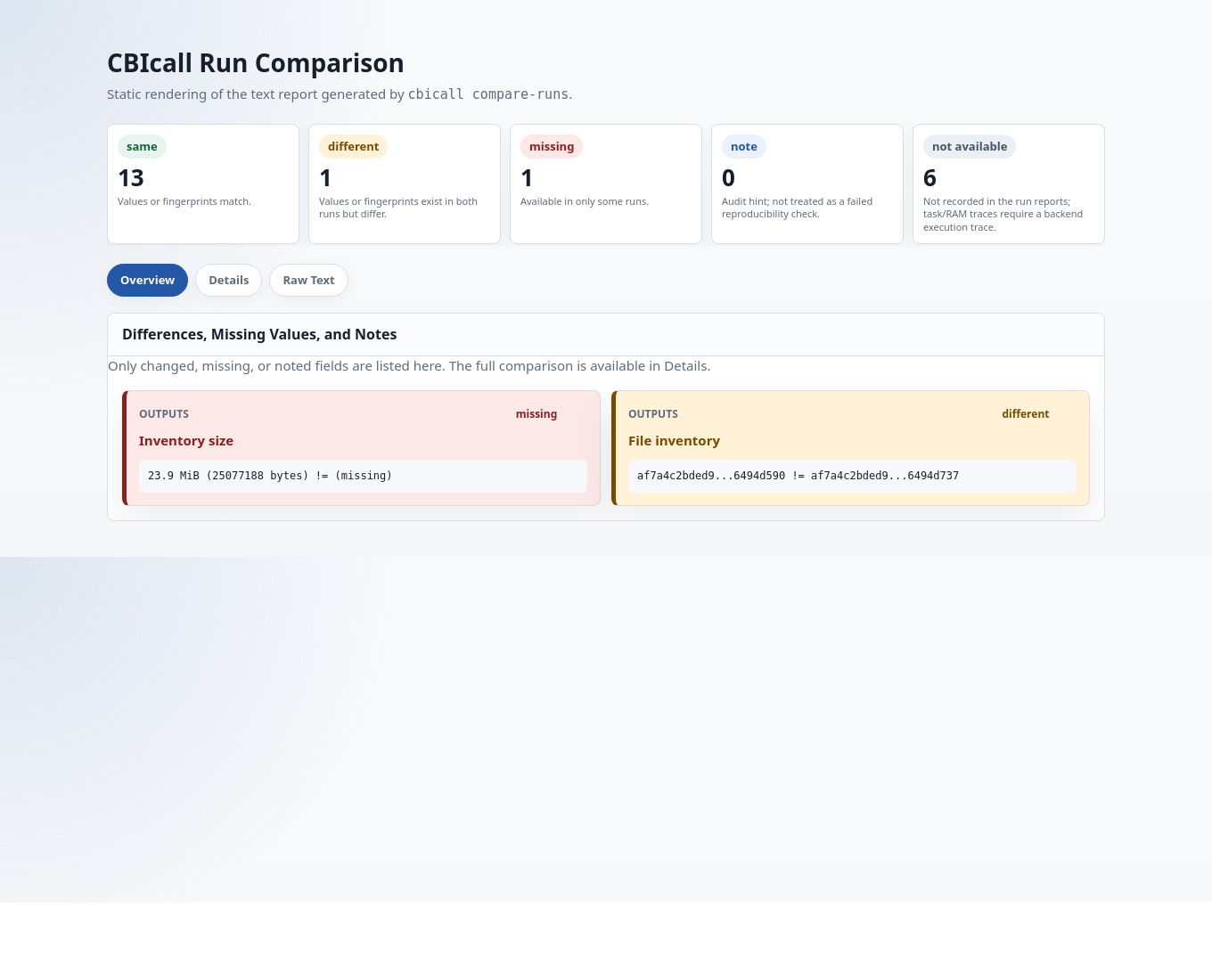
When this file exists, run-report.json records a normalized VCF hash so
cbicall compare-runs can audit repeated Sarek runs.
For the germline HaplotypeCaller smoke test, the Sarek samplesheet can use the
minimal FASTQ layout shown in examples/input/sarek_samplesheet.csv:
patient,sample,lane,fastq_1,fastq_2
CNAG99901P_ex,CNAG99901P_ex,L001,/path/to/R1.fastq.gz,/path/to/R2.fastq.gz
Keep the header. Without it, Sarek may parse the first sample row as column names and fail before launching the expected pipeline steps. For the full samplesheet schema and advanced use cases, use the nf-core/Sarek documentation.
HPC Notes
On a cluster, load the runtime used by the selected nf-core profile. Check available modules:
module avail Nextflow/25.10.2
module avail apptainer
module avail singularity
For Apptainer/Singularity:
module load Nextflow/25.10.2
module load apptainer   # or: module load singularity
export NXF_SINGULARITY_CACHEDIR=/path/to/singularity/cache
export NXF_SINGULARITY_LIBRARYDIR=/path/to/singularity/library
When running from a source checkout, make sure the SLURM script loads the Python
runtime needed by CBIcall before calling cbicall. For example:
module load Python/3.13.5-GCCcore-14.3.0
export CBICALL_PYTHON_PREFIX=/scratch_isilon/projects/0012-hereditary/software/cbi_py3
export PYTHONPATH="$CBICALL_PYTHON_PREFIX/lib/python3.13/site-packages${PYTHONPATH:+:$PYTHONPATH}"
The bundled source-based SLURM example sets both values directly in the generated job script rather than requiring a separate sourced bootstrap.
Additional HPC and Nextflow notes
| Issue | Action |
|---|---|
| Apptainer profile name | Use test,singularity if the nf-core pipeline does not accept test,apptainer. |
| Scheduler CPUs | Request CPUs in SLURM and pass the same value to CBIcall, for example -t "$SLURM_CPUS_PER_TASK". |
| CPU request error | Process requirement exceeds available CPUs means the scheduler allocation is too small. |
| Nextflow 26.04 parser issue | Set NXF_SYNTAX_PARSER=v1 in the shell. This is not a CBIcall parameter. |
| Shared cache permission error | Use a user-owned/project-owned cache and set nfcore_singularity_cache_dir. |
| General backend setup | See the nf-core configuration docs and Nextflow container docs. |
Logs
CBIcall writes the main Nextflow launcher log in the run directory:
cbicall_nextflow_nf-core_<pipeline>_<mode>_<display-genome>_<run_id>/
  nf-core_<pipeline>_<mode>.log
  .nextflow.log
  cbicall_external_nextflow.params.yaml
  cbicall_external_nextflow.config
For task-level failures, start with .nextflow.log and the main CBIcall
launcher log. Nextflow often reports the task work directory in the error text.
Debug failed nf-core tasks
| Check | Command or interpretation |
|---|---|
| Inspect task files | cd work/<hash>/<task> then ls -la .command* |
.command.* exists | The task reached execution; inspect .command.err, .command.out, or .command.log. |
.command.* absent | The task likely failed before execution, often because scheduler resources were too small. |
| Generic debugging | See the Nextflow troubleshooting documentation. |